
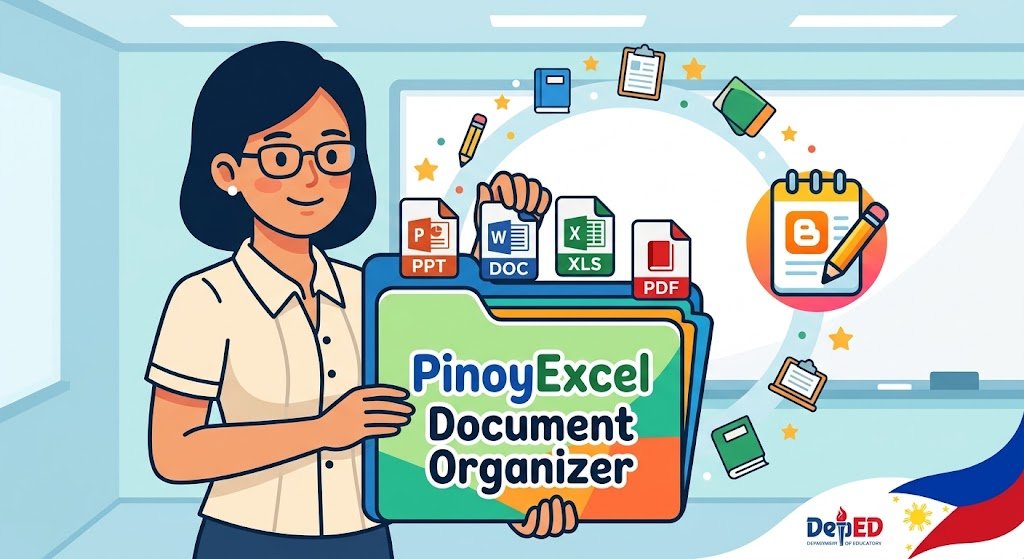
How PinoyExcel Document Organizer Keeps Everyday Files at Your Fingertips
For Filipino educators, managing classroom administration often feels like a full-time job on top of teaching. Between lesson plans, class records, presentations, and official DepEd forms, digital files quickly scatter across various folders and USB drives.
To help streamline daily administrative tasks, tools like the PinoyExcel Document Organizer offer a centralized hub designed specifically for school file workflows.
What is the PinoyExcel Document Organizer?
The PinoyExcel Document Organizer is a dedicated utility built to serve as a digital filing cabinet for teachers. Instead of manually searching through deep folder directories every time class starts, this tool collects, organizes, saves, and launches your essential classroom resources directly from a single interface.
Key Features for Educators
Universal File Support: Conveniently link, categorize, and launch Microsoft Word documents, PowerPoint presentations, Excel spreadsheets, and PDF files.
One-Click File Opening: Eliminates the need to browse complex file paths during class—access your Daily Lesson Log (DLL), slide decks, or class records instantly.
Structured File Categorization: Group materials by subject, grade level, section, or administrative category (such as RPMS MOVs, TOS, or school forms).
Offline-Friendly Access: Built to work smoothly on offline local drives, ensuring continuous function regardless of internet reliability.
Why Teachers Need a Centralized Document Hub
1. Eliminates Classroom Downtime
Switching between a PowerPoint presentation, a PDF worksheet, and an Excel attendance sheet during a class period can cause unnecessary delays. A centralized document organizer lets you open required files in seconds, keeping lessons on schedule.
2. Simplifies Portfolio and MOV Preparation
Gathering Means of Verification (MOVs) for performance reviews often leads to frantic searches for past files. Keeping files indexed in one location ensures documentation remains sorted and accessible year-round.
3. Reduces USB and Folder Chaos
Multiple versions of lesson plans or class records frequently get lost in poorly labeled folders. Centralizing your active files helps maintain clean version control and prevents accidental overwrites.
Getting Started
Organize Your Base Files: Group your main working files (Word, PPT, Excel, PDF) into a primary folder on your local drive.
Link Your Documents: Add the file paths into the organizer interface and categorize them by topic or utility (e.g., Subject Lessons, Grading, Forms).
Launch with One Click: Keep the organizer open during your work day to quickly access or save documents as you teach.
- Document Organizer
Document Organizer